Press release
Paris —

SharePal names what you save, and answers Siri with a card
SharePal 2026.2 is out on the App Store. Save something in a hurry and the app now finds it a name, a colour and an icon on its own, on your device. Siri and Shortcuts answer with the item’s card instead of opening the app, and the iPhone rotates at last.
Saved in a hurry, named properly
Drop a text onto the grid, save a link from the share sheet, ask Siri to keep something: until now those items landed as a numbered tile in a random colour, and tidying up was left to you. SharePal reads the content and names it on the spot, with a colour and an icon to match.
It happens on your device, with Apple Intelligence, on iOS 26 and later. Nothing you save is sent anywhere, a name you typed always wins over a suggestion, and a switch in About turns the whole thing off. Where Apple Intelligence is not available, the numbered tile is still there.
Siri copies without opening the app
Copying an item from Siri used to launch SharePal to do it. It now copies on the spot, asks for Face ID when the item is protected, and on iOS 26 answers with the same card the grid draws, Copy, Share and Open included. A protected item arrives locked, with a Reveal button.
Sideways
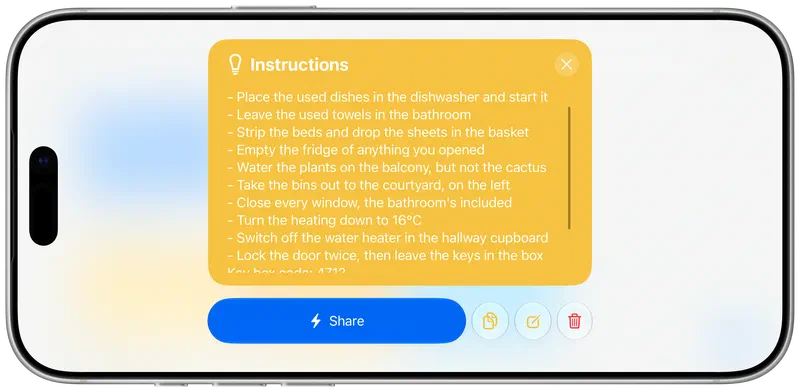
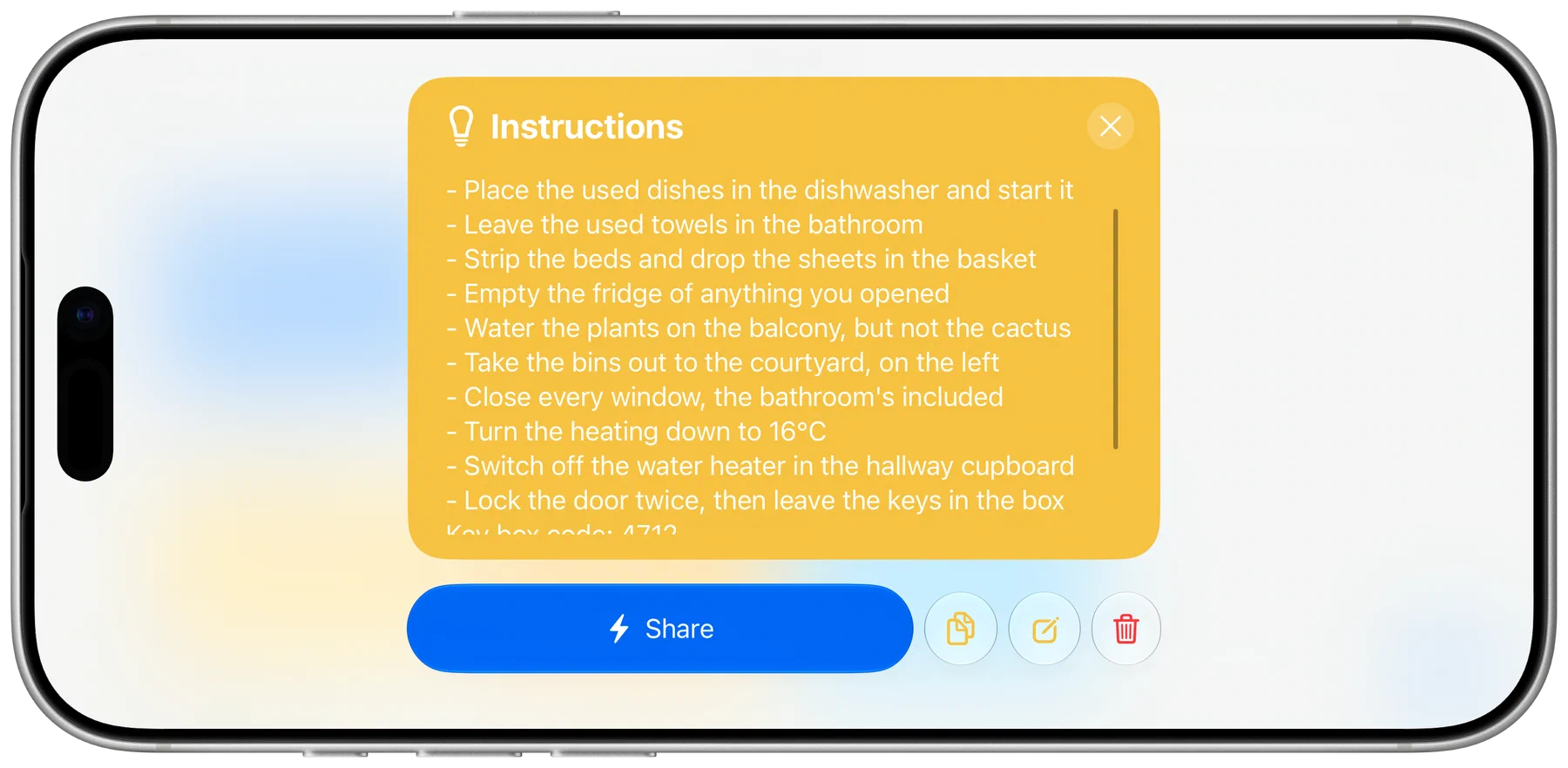
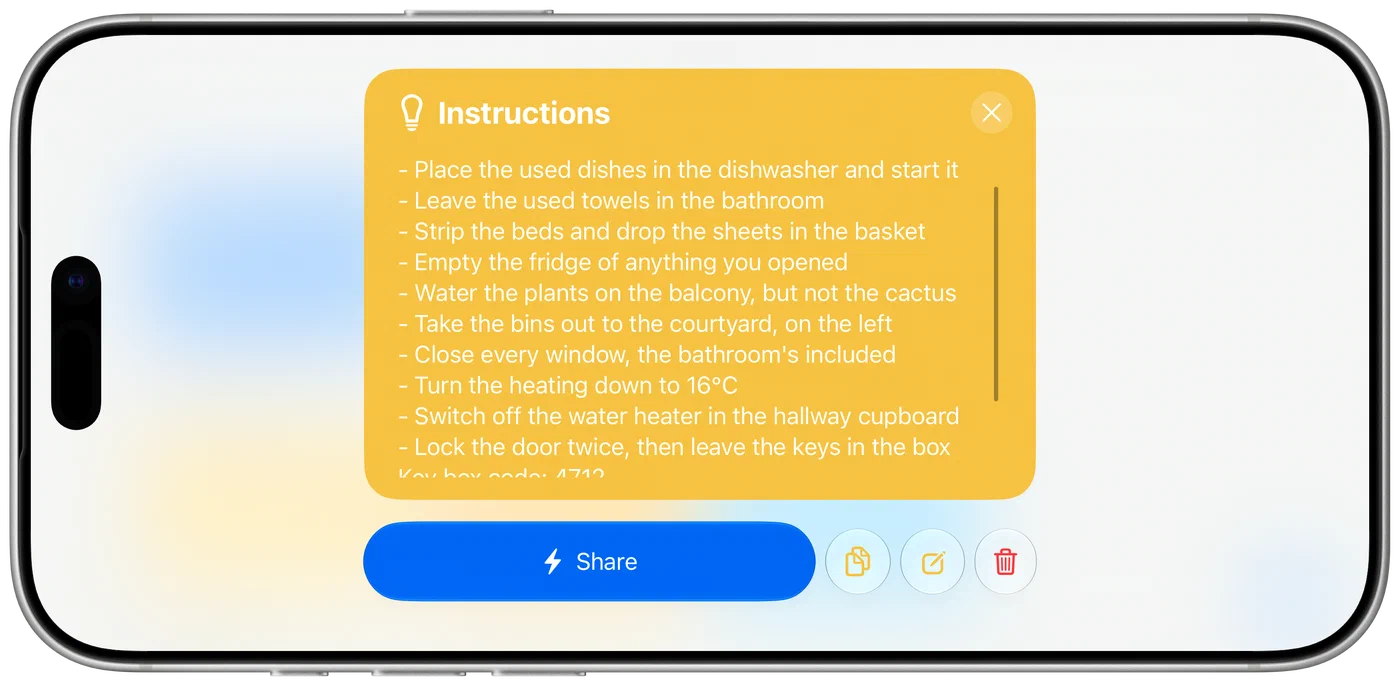
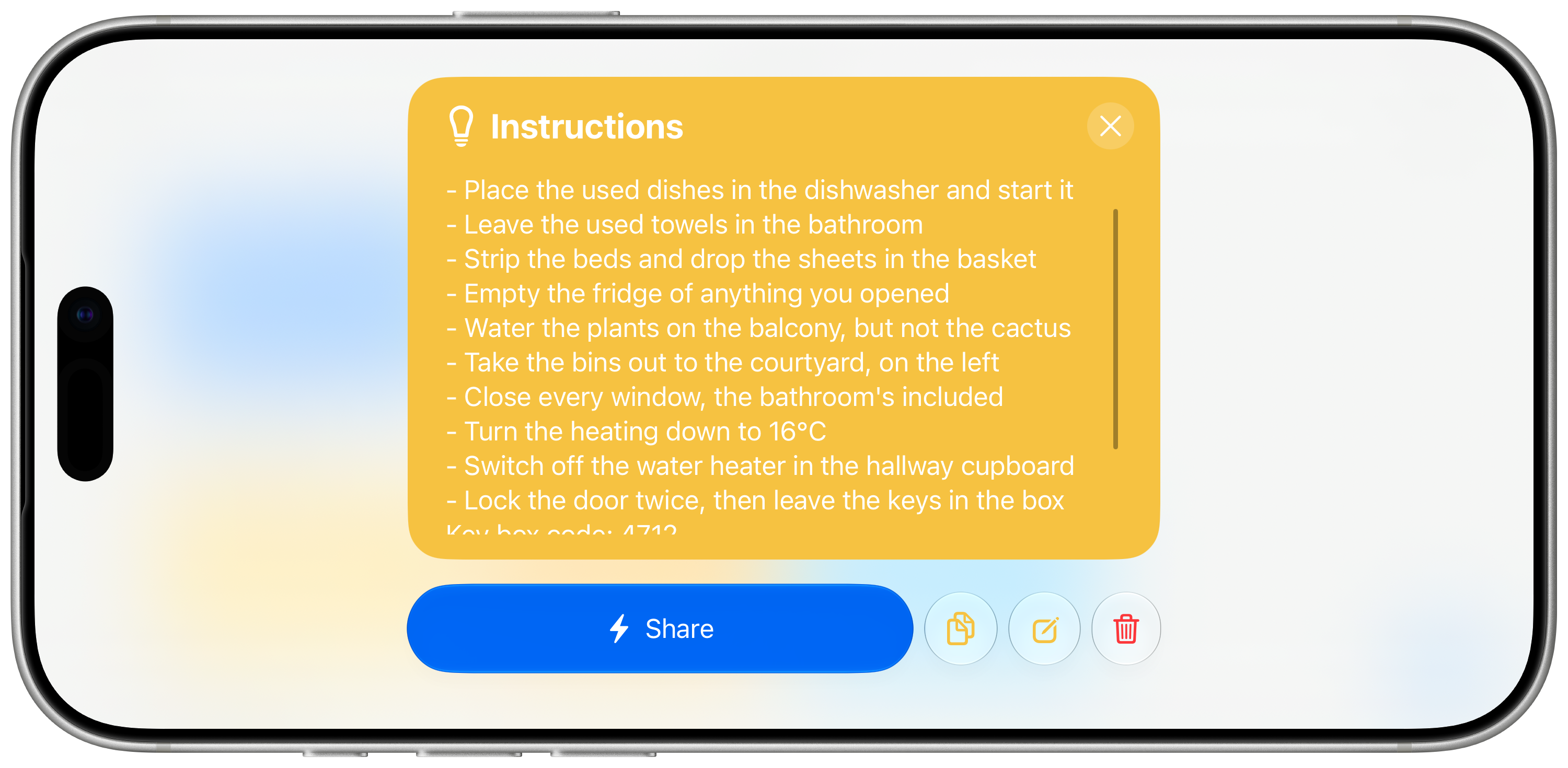
The iPhone rotates. Held sideways you get more columns, and the larger phones bring the sidebar along; the same layout follows the window SharePal is given on an iPad or a Mac. A long note scrolls inside its card now, instead of running off the top of the screen.
And the rest
This release also carries a long list of smaller improvements across the app, some of them visible — the item card, the grid, the keyboard — and many of them under the hood.
Availability
SharePal 2026.2 is available now on the App Store at $4.99 (5.99 € ; £4.99). It is a single purchase: no subscription, and no in-app purchases. This release asks for iOS or iPadOS 18 and later, and visionOS 2 on Apple Vision Pro.
If you are a press member, write to press@getsharepal.app for a free promo code.